


What Remote Support Solution Is Right For Your Business?
A Comparative Analysis: RemoteCall vs. Other Tools
As businesses grow more digital and distributed, remote support software is a mission-critical tool for IT teams, customer service centers, and enterprises worldwide.
From resolving a desktop performance issue on an employee’s PC to remotely configuring mobile devices for field staff, remote support tools keep operations running smoothly, reduce downtime, and ensure both PC and mobile users stay productive.

But here’s the challenge: with so many options—TeamViewer, AnyDesk, LogMeIn, Splashtop, and RemoteCall—how do you choose the right solution for your business? Each comes with strengths and weaknesses in terms of security, cost, features, and deployment flexibility.
This article dives deep into the comparison, detailing the go-to choice for enterprises that need secure, compliant, and mobile-first support tools.
The Remote Support Market Landscape
The remote support software market is growing fast, driven by trends like hybrid work, digital transformation, and global customer service.
"The wider remote working tools/software market was valued at USD 30.5 billion in 2024 and is expected to expand at a CAGR of 21.8% from 2025 to 2034." - Global Market Insights
What scapes the common knowledge is that the majority of well-know remote solutions were primarily designed for general remote access and later adapted for IT support.
By contrast, RemoteCall was built from the ground up for customer-facing industries and enterprise IT helpdesks. That’s why companies in telecommunications, healthcare, banking, and manufacturing rely on it—not just for remote desktop support, but for secure, compliant, and customer-friendly service delivery.
RemoteCall at a Glance
- → Deployment Options: SaaS, On-Premise, and Private Cloud
- → Security Track Record: 20+ years of incident-free remote support
- → Proven Clients: Samsung Electronics, NTT Docomo, Bouygues Telecom, Best Buy Health, Hyundai, LG
- → Demonstrated ROI: Resolves over 50% of customer issues remotely, significantly reducing unnecessary site visits and operational costs
COMPARISON ANALYSIS
1. RemoteCall vs. TeamViewer: Core Differences
TeamViewer is one of the best-known remote support tools globally, but when it comes to enterprise-grade security and customer privacy, RemoteCall offers distinct advantages.

Takeaway: TeamViewer is powerful but can be overkill (and overpriced) for customer support teams. RemoteCall’s privacy-first design, web-based sessions, and auto-deletion module make it better suited for customer-facing industries and regulated environments.
2. RemoteCall vs. AnyDesk
AnyDesk is often seen as a low-cost alternative to TeamViewer. It’s fast and lightweight but lacks many enterprise-level features.
Strengths of AnyDesk:
- ﹒ Very lightweight and fast performance
- ﹒ Good option for small businesses with limited budgets
Limitations vs. RemoteCall:
- ✓ No screen blinder or app-specific control
- ✓ Fewer compliance certifications (less suitable for regulated industries)
- ✓ No auto-remove module (leaves security risk for first-time customers)
- ✓ Limited enterprise integrations
Takeaway: If you’re a small team needing budget-friendly remote access, AnyDesk works. But for enterprises requiring compliance, security, and scalable support, RemoteCall is the clear choice.
3. RemoteCall vs. LogMeIn Rescue
LogMeIn Rescue (by GoTo) is a well-established enterprise solution.
Strengths of LogMeIn Rescue:
- ﹒ Strong enterprise adoption, integrations with ITSM systems
- ﹒ Reliable remote desktop support
Limitations vs. RemoteCall:
- ✓ More complex to set up and manage
- ✓ Higher licensing costs
- ✓ Lacks the mobile-first features (camera sharing) that RemoteCall provides
- ✓ Limited enterprise integrations
Takeaway: Rescue is powerful for IT teams, but often too expensive and complicated for customer support workflows. RemoteCall provides similar enterprise-grade features with better mobile support and cost efficiency.
4. RemoteCall vs. Splashtop
Splashtop has grown in popularity thanks to its affordability and cross-platform compatibility.
Strengths of Splashtop:
- ﹒ Cost-effective pricing
- ﹒ Strong multi-platform performance
Limitations vs. RemoteCall:
- ✓ Focused on remote access rather than customer support
- ✓ Fewer compliance features and less enterprise adoption
- ✓ Lacks advanced privacy tools (screen blinder, selective app sharing)
Takeaway: Splashtop is a great remote work tool, but for customer-facing support and regulated industries, RemoteCall offers superior privacy and deployment flexibility.

Flexible Deployment: A Key Differentiator for RemoteCall
One of the most significant reasons enterprises choose RemoteCall over other remote support tools is its deployment flexibility. While most solutions lock you into a single SaaS model, RemoteCall can be delivered as SaaS, Private Cloud, or On-Premise—and even customized for integration into an enterprise’s own products and workflows.
This adaptability is not just technical—it’s strategic. By enabling companies to rebrand, embed, and extend RemoteCall, organizations can use remote support not as a standalone tool, but as part of their customer experience ecosystem.
Case Study 1: NTT Docomo – White-Label Integration at Scale
Client: NTT Docomo, Japan’s No. 1 mobile carrier
Challenge: Serving millions of customers, many of them seniors (60+), who needed reliable and easy-to-use smartphone support. Traditional phone support left customers frustrated and agents unable to resolve complex issues quickly.
Solution: RemoteCall was integrated and rebranded by NTT Docomo as Secure Remote Support. Instead of asking customers to download an unfamiliar app or rely on complex login processes, the service was embedded directly into Docomo’s ecosystem.
Result:
-
→ Over 22 million subscribers now benefit from faster, easier smartphone assistance.
-
→ Agents can take direct remote control of customer devices, guiding seniors step-by-step without the friction of lengthy instructions.
-
→ Because the solution was branded as Docomo’s own, customers trusted it more readily—boosting adoption rates.
Takeaway: Unlike generic tools that sit outside the customer journey, RemoteCall became a native part of NTT Docomo’s service offering, reinforcing brand trust and enabling support at scale.
-
→ Because the solution was branded as Docomo’s own, customers trusted it more readily—boosting adoption rates.
-
→ Agents can take direct remote control of customer devices, guiding seniors step-by-step without the friction of lengthy instructions.
Case Study 2: Best Buy Health – Embedded Mobile Support
Client: Best Buy Health, U.S. digital healthcare specialist
Challenge: SBest Buy Health supports seniors using Lively-branded smartphones. These customers often need real-time help but may lack the technical skills to install or navigate third-party apps.
Solution: RemoteCall Mobile Support was pre-installed on devices, enabling instant access to remote support the moment customers needed it. With just a click, seniors could share their smartphone screen, allowing Best Buy agents to resolve issues directly.
Result:
-
→ Enhanced customer experience, especially for older users unfamiliar with complex tech.
-
→ Improved support efficiency, reducing call handling times.
-
→ Seamless integration meant seniors felt they were using a trusted Best Buy feature—not a third-party product.
Takeaway: RemoteCall’s ability to embed directly on consumer devices demonstrates how flexible deployment goes beyond IT—it becomes part of the product experience, improving customer loyalty and reducing support friction.
-
→ Seamless integration meant seniors felt they were using a trusted Best Buy feature—not a third-party product.
-
→ Improved support efficiency, reducing call handling times.
Case Study 3: Samsung Electronics, global leader in consumer electronics
Client: Samsung Electronics, global leader in consumer electronics
Challenge: Dispatching field engineers for device issues was costly and time-consuming. Many problems could be solved remotely—if only the support team could “see” what customers were seeing.
Solution: Samsung deployed RemoteCall Visual Support, allowing agents to use the customer’s smartphone camera for real-time troubleshooting.
Result:
-
→ Over 50% of issues resolved remotely, dramatically reducing unnecessary site visits.
-
→ 20,000+ sessions per month, scaling visual support across a massive customer base.
-
→ Significant savings in time, costs, and carbon footprint from fewer technician dispatches.
Takeaway: By integrating RemoteCall Visual Support, Samsung turned remote support into a competitive advantage, improving service efficiency and sustainability.
-
→ Significant savings in time, costs, and carbon footprint from fewer technician dispatches.
-
→ 20,000+ sessions per month, scaling visual support across a massive customer base.
Why Flexible Deployment Matters
Unlike competitors that offer a “one-size-fits-all” approach, RemoteCall empowers enterprises to:
Result:
-
✓ Choose their deployment model (SaaS, On-Premise, Private Cloud) based on security and compliance needs.
-
✓ Rebrand and integrate RemoteCall as part of their own product ecosystem, strengthening customer trust.
-
✓ Embed remote support directly into devices or apps, making support frictionless for end users.
This flexibility makes RemoteCall not just a tool, but a platform—one that enterprises can tailor to their customers, their brand, and their business strategy.
-
✓ Embed remote support directly into devices or apps, making support frictionless for end users.
-
✓ Rebrand and integrate RemoteCall as part of their own product ecosystem, strengthening customer trust.
Pricing and ROI
While RemoteCall may not be the cheapest tool on the market, its ROI comes from:
-
1. Cutting on-site visits by 50%+
-
2. Reducing average handle time with faster web-based connections
-
3. Avoiding the hidden costs of data breaches thanks to enterprise-grade security
For enterprises, the cost of insecure or non-compliant tools far outweighs licensing savings. RemoteCall balances affordability with unmatched security and scalability.
-
3. Avoiding the hidden costs of data breaches thanks to enterprise-grade security
-
2. Reducing average handle time with faster web-based connections
Why RemoteCall Is the Smarter Choice
The remote support software market is crowded, but not all tools are created equal.
1. AnyDesk is budget-friendly but lacks enterprise features.
2. LogMeIn Rescue is powerful but expensive and complex.
3. Splashtop is great for remote access, but not built for customer support.
4. TeamViewer is widely used but can be costly and has faced security challenges.
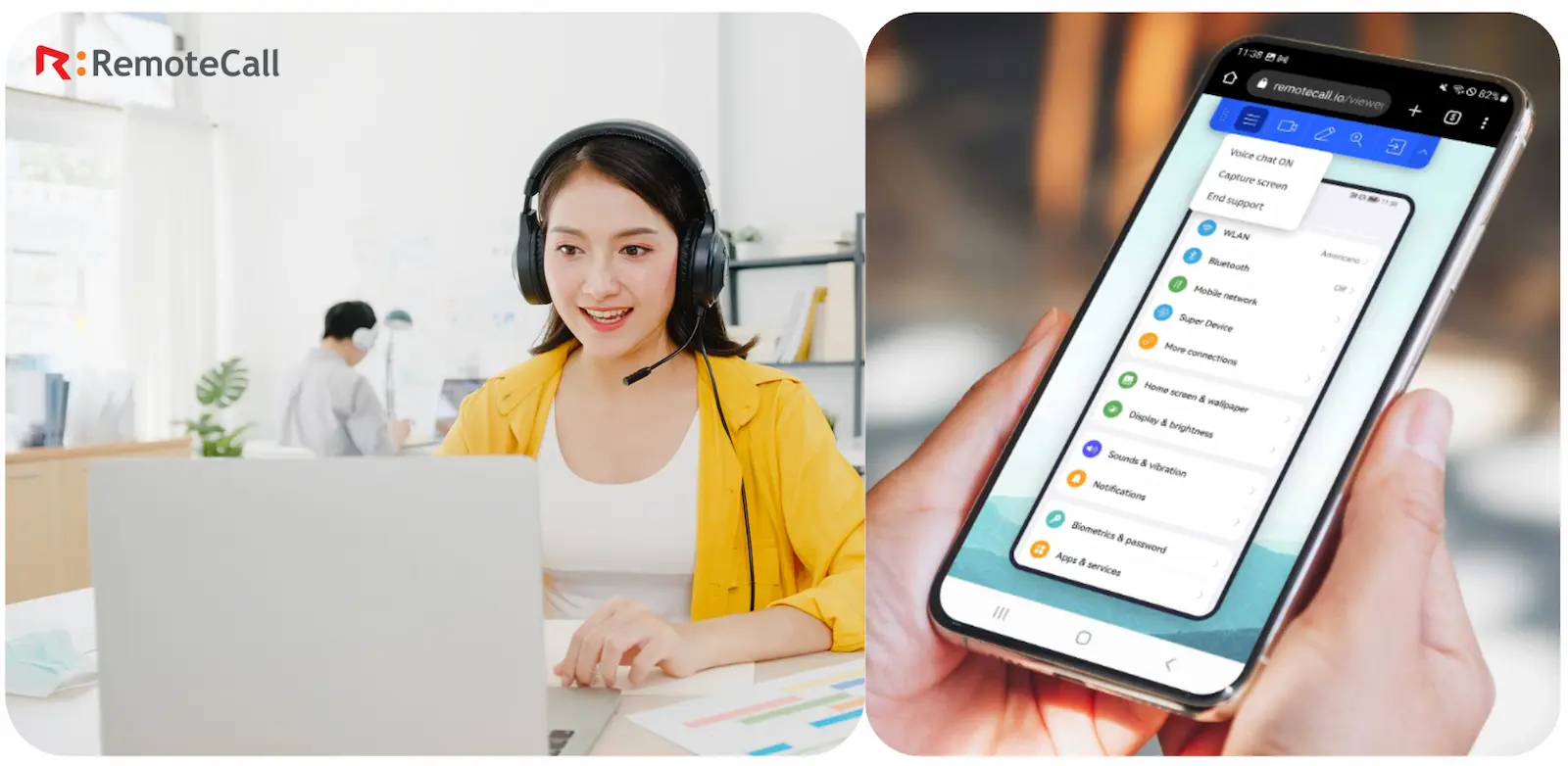
RemoteCall is proud of its security-first design, mobile-first features, flexible deployment models, and enterprise compliance. It empowers businesses to deliver fast, reliable, and customer-friendly support worldwide.
Ready to Transform Your IT Support?
See why leading global enterprises trust it for their most sensitive and mission-critical remote support needs.
Transform Your Support. Connect with RemoteCall.
Want to know more about RemoteCall?
- Explore Industry Use Cases → Explore Case Studies by Industry
- Subscribe to our Newsletter → RSUPPORT Report on LinkedIn